
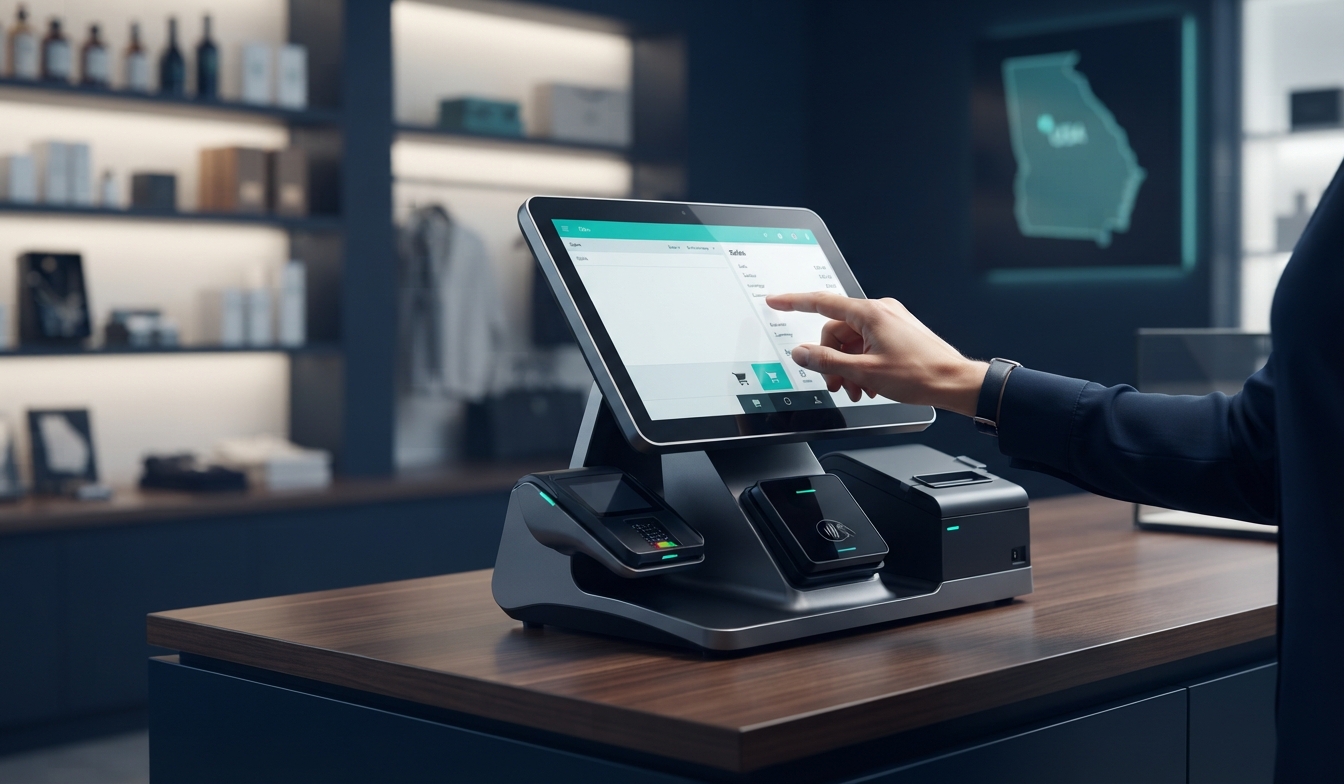
POS Software in Georgia: A Complete Guide for Businesses
POS Software in Georgia: A Complete Guide for Businesses
POS software has become an important part of retail and hospitality operations because it can connect sales, inventory and reporting in a single system. For businesses operating in Georgia, choosing the right point-of-sale platform directly impacts daily checkout efficiency, stock tracking accuracy, and overall customer service quality. Whether managing a single boutique in Tbilisi or multi-location hospitality venues across Batumi, selecting a dependable system is essential for modern business administration.
Quick Definition: POS software is a centralized business system used to process sales transactions, manage products and inventory levels, track customer data, and generate real-time business reporting.
What Is POS Software and How Does It Work?
At its core, a point-of-sale (POS) system combines hardware and software components to handle commercial transactions. While traditional cash registers only recorded cash drawer totals, modern POS software functions as the operational backbone of a enterprise. When a product is scanned or selected, the software automatically calculates the total, processes the payment via integrated card readers or digital wallets, updates live inventory records, and logs the sale for accounting and management purposes.
For Georgian businesses dealing with fluctuating stock levels and diverse payment preferences, automated syncing between sales terminals and back-office databases eliminates manual reconciliation errors.
Why Businesses in Georgia Use Modern POS Software
The retail and service sectors in major Georgian commercial hubs have evolved rapidly. Modern consumer expectations demand fast checkout times, accurate pricing, and flexible payment options. Upgrading from legacy cash registers or disjointed spreadsheets to a dedicated POS system offers several strategic advantages:
- Automated Inventory Tracking: Stock levels decrease automatically with every completed sale, preventing unexpected stockouts.
- Faster Transaction Speeds: Barcode scanning and intuitive touchscreens reduce waiting times at the counter.
- Comprehensive Financial Reporting: Owners can view daily revenue, peak operating hours, and top-performing products instantly.
- Multi-Location Management: Growing companies managing branches across Tbilisi and other regions can monitor all inventories and sales metrics from a centralized dashboard.
Key Features of Modern POS Software
When evaluating business software options, decision-makers should look for a core set of features designed to streamline daily workflows.
Sales Management
Efficient sales management tools allow cashiers to process returns, apply discounts, handle split payments, and manage customer accounts quickly. A streamlined interface minimizes staff training time.
Inventory Management
Advanced inventory features track stock across categories, issue low-stock alerts, and simplify periodic physical stocktakes. This prevents capital from being tied up in unsold merchandise.
Reporting and Analytics
Data-driven decision-making relies on accurate reporting. Modern platforms generate detailed summaries regarding gross margins, tax summaries, employee performance, and sales trends over custom date ranges.
Employee Permissions
Security features allow managers to assign specific role-based permissions, restricting sensitive operations like voids, price overrides, and cash drawer access to authorized personnel only.
POS Software for Different Business Sectors
Operational requirements vary significantly depending on the industry. Selecting software tailored to specific sector workflows ensures maximum efficiency.
| Industry Sector | Primary Requirement | Key POS Feature Needed |
|---|---|---|
| Retail & Boutiques | High-volume item scanning and catalog depth | Barcode inventory tracking and customer loyalty tracking |
| Restaurants & Cafes | Table management and kitchen order routing | Floor plan customization and kitchen display system (KDS) integration |
| Hospitality & Services | Appointment booking and service bundling | Staff scheduling, client profiles, and invoicing |
For businesses seeking integrated infrastructure setups, implementing compatible POS software solutions ensures smooth communication with receipt printers, barcode scanners, and secure payment terminals.
Security and Data Protection Considerations
Because POS systems handle sensitive financial data and customer payment information, security is paramount. Modern businesses must prioritize platforms that feature encrypted data transmission, secure cloud backups, and compliance with industry standards.
Protecting commercial networks against unauthorized access requires robust underlying infrastructure. Ensuring secure routers, firewalls, and reliable network connectivity prevents system downtime during peak business hours. Comprehensive IT and cybersecurity measures safeguard your database against external threats.
How to Choose the Right POS Provider
Implementing a new software system requires careful planning. Business leaders should follow a structured evaluation process:
- Identify specific operational bottlenecks in your current checkout or inventory workflow.
- Determine required hardware compatibility (receipt printers, cash drawers, mobile terminals).
- Evaluate local technical support availability and software update reliability in Georgia.
- Review data migration capabilities from your legacy spreadsheet or system.
- Plan staff training schedules to ensure smooth adoption across your team.
Frequently Asked Questions
What is POS software?
POS software is a digital system used by businesses to process customer transactions, record sales, update inventory databases automatically, and generate financial reports.
Is POS software suitable for small businesses?
Yes. Even small independent shops and cafes benefit from POS software by eliminating manual bookkeeping errors, speeding up queues, and gaining clear visibility into daily profits.
Can POS software manage inventory across multiple locations?
Modern cloud-based POS platforms allow businesses with multiple branches—such as shops in Tbilisi and Batumi—to monitor centralized inventory levels and transfer stock between locations seamlessly.
Do I need specialized hardware to run POS software?
While many modern software solutions can run on standard tablets or desktop computers, pairing them with dedicated receipt printers, barcode scanners, and secure card terminals ensures optimal performance.
Conclusion
Investing in the right POS software transforms daily operations by automating sales tracking, securing transaction data, and providing actionable business intelligence. For companies in Georgia looking to modernize their commercial operations, choosing an integrated software and infrastructure approach is critical for long-term scalability.
Need Help Choosing the Right Technology Solution?
BluePoint can help businesses evaluate their technology requirements, integrate POS applications, and implement robust networking and hardware solutions suited to their operational needs.
Explore BluePoint Solutions